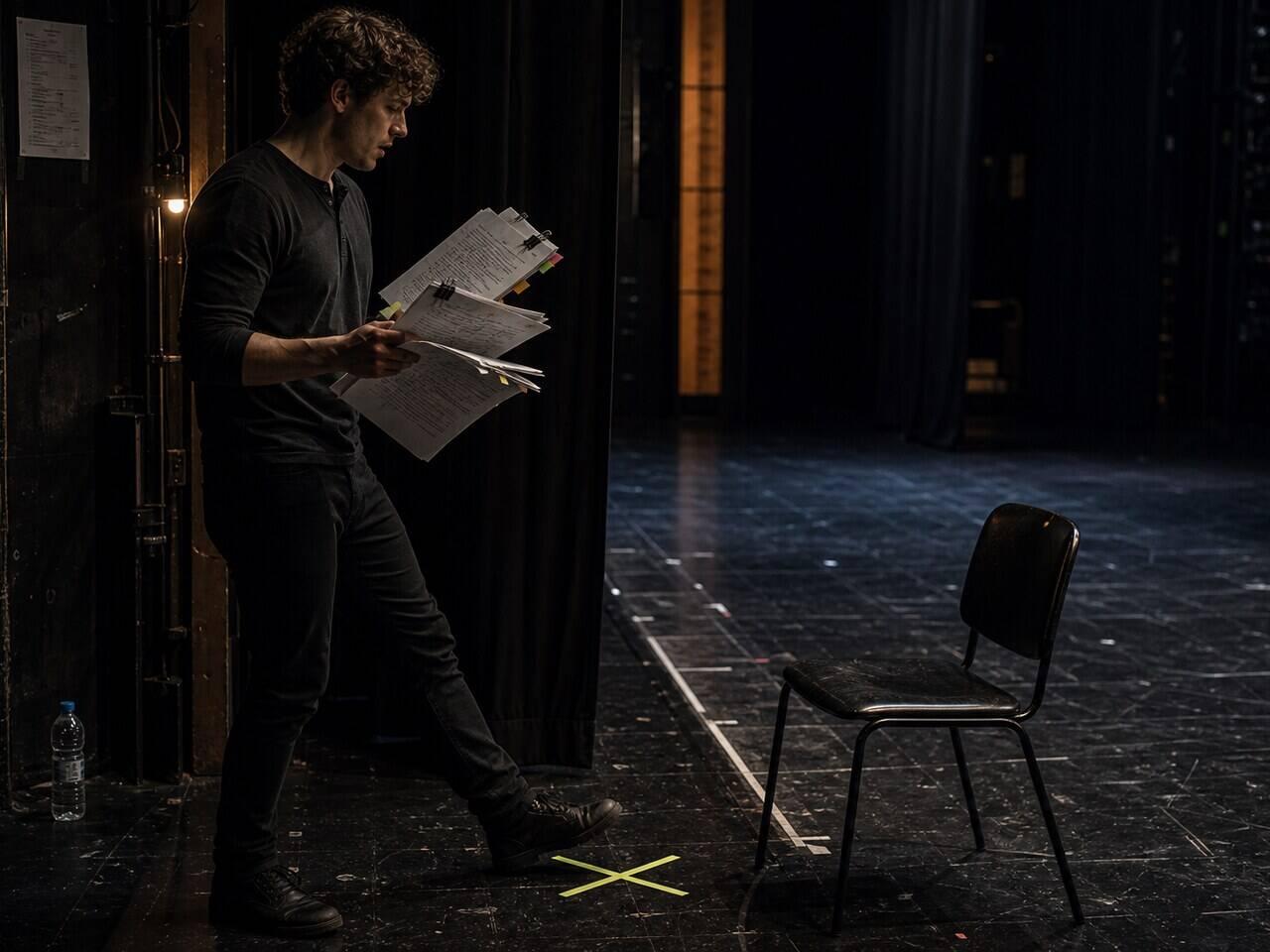
A swing bible is the document that tells you everything you need to go on — for any character you cover — when a last-minute call comes in. It's not your study material. It's your emergency manual: blocking, entrance cues, costume notes, and line content, organized by character so you can find what you need fast.
If you're covering multiple tracks in theatre and don't have one yet, this article gives you a template and a build process you can start today — even if you're already weeks into rehearsal.
What a Swing Bible Is (and Isn't)
Start with what it's not. A swing bible is not a copy of the script with your lines highlighted. It's not your table work journal. It's not a general character notebook where you track themes and backstory.
It's a reference document designed for consultation under pressure. The test is simple: can you look up your Act 2 entrance cue for Character C quickly, without flipping through unrelated material? If not, it's not organized like a swing bible.
The difference from standard actor notes is the organizational logic. Most actors organize their notes by act or scene — because that's how rehearsals are structured. A swing bible organizes everything by character first. When you get a same-day put-in, you don't flip through Act 1 looking for Character B's notes. You go straight to the Character B section and work outward from there.
This character-first logic is the foundation of the understudy workflow covered across the Understudy & Swing Workflow hub — having a system that lets you move between tracks without losing your footing on any of them.
What Goes Into a Swing Bible
Each character section in your bible should contain five things. Not six, not three — five specific layers of information that cover everything you'd need to go on for that track:
1. Entrance cue sheet Every entrance, listed scene by scene. Not the full scene — just the last line or stage action before you enter. Example: "Scene 4: Enter after Marcus says 'Clear the room.'" This is non-negotiable. A missed entrance because you forgot the trigger is the worst-case scenario, and it's entirely avoidable.
2. Blocking map Where you are at the top of the scene, when and where you move, and who you're with. If the production uses floor plans, photograph the stage manager's copy or sketch your own. If there are no floor plans, describe positions relative to fixed set pieces: "DS of the table, facing UR at top, cross to UC on 'what do you mean by that.'"
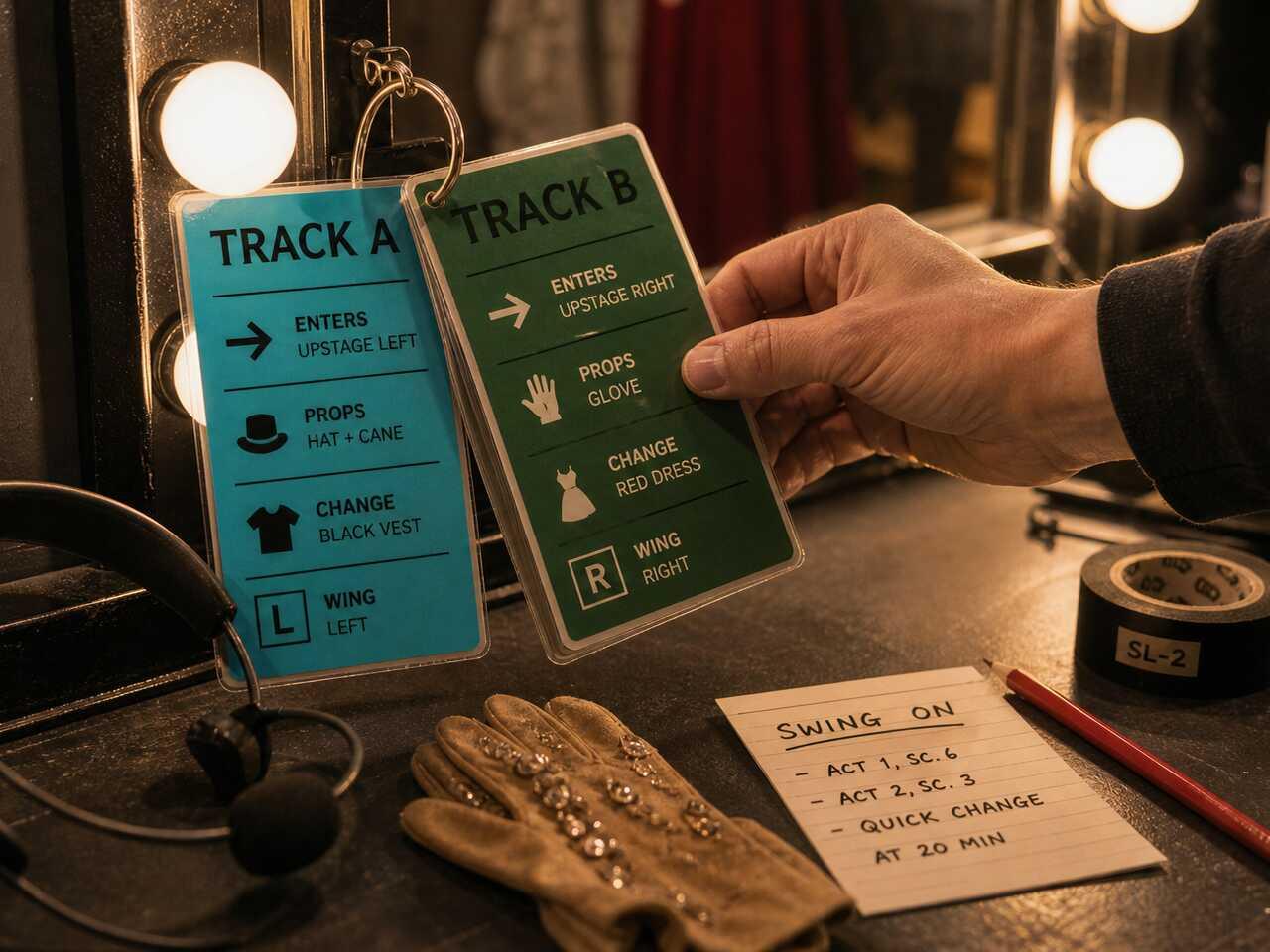
3. Costume and prop notes What you're wearing in each scene, what you carry, and where quick changes happen — including the exact location (stage left, pit, dressing room 2). Note what you hand off, what you pick up, and any pieces that get struck mid-show.
4. Lines with cues marked Your lines for that track, each one preceded by the cue line that triggers it. Not the full script — just your content plus the line immediately before each of yours. This is your active recall layer and the thing you run drills from between rehearsals.
5. Status log A quick note per scene: "rehearsed 3×", "observed only", "not covered." This tells you instantly where your gaps are when you're deciding how to use your next available window before a call.
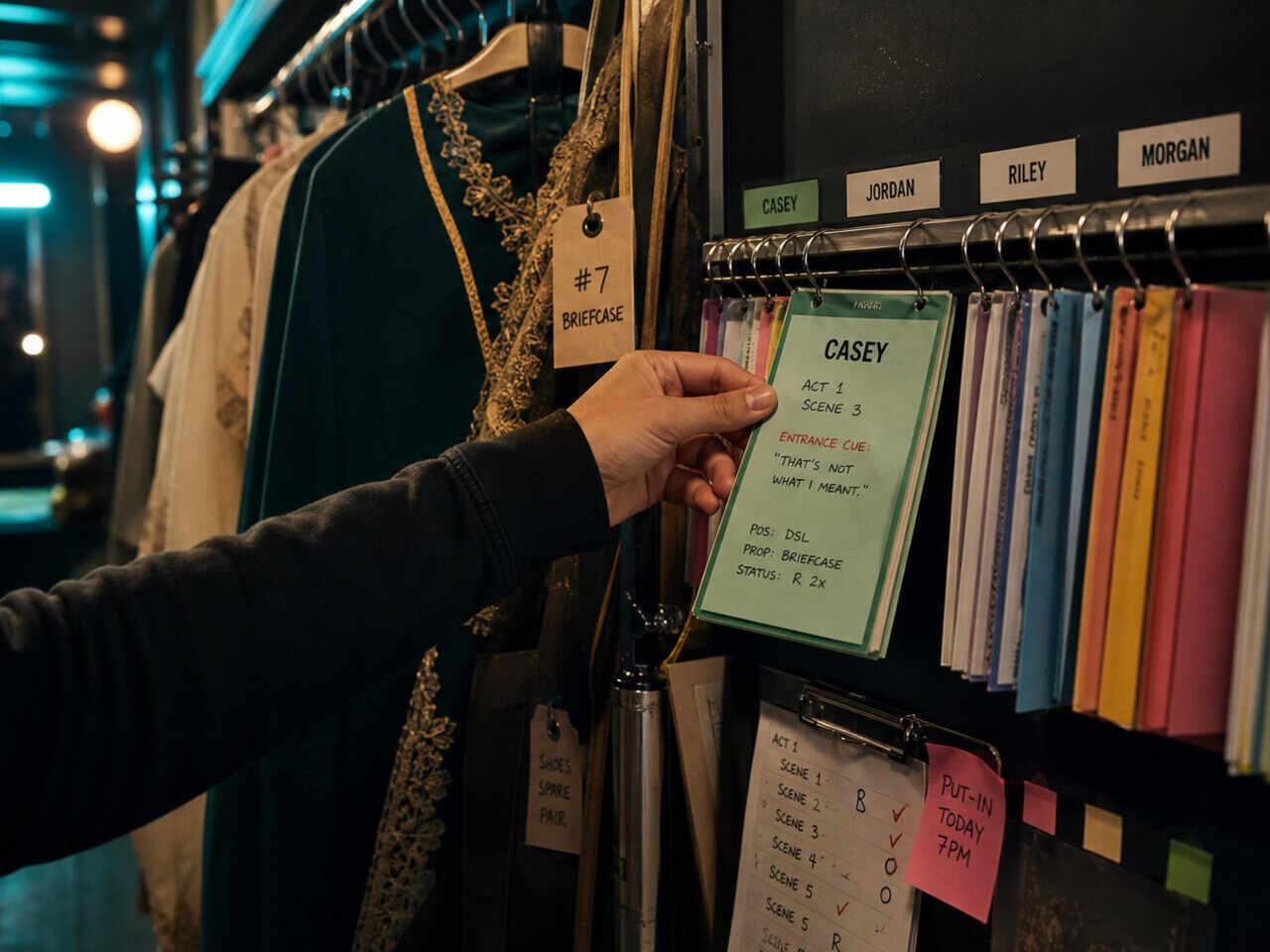
Here's what a filled-in entry looks like for a single character and scene:
Character: Casey — Act 1, Scene 3
- Entrance cue: Enter after Jordan says "That's not what I meant."
- Blocking: DSL at top, facing CS. Cross to UC on "I was never told." Exit SR after handshake.
- Costume/props: Grey coat, briefcase. Hand briefcase to stage manager on exit — not picked up again.
- Cue → line: "That's not what I meant." → "I was never told it was mine to carry."
- Status: Rehearsed 2×. Blocking confirmed. Lines not run solo yet — flag for next session.
If you're covering multiple tracks, give each character its own section from the start and never let two tracks share a page. The moment Casey's blocking and Jordan's blocking sit in the same block of notes, a put-in call at half-hour is exactly when you'll read the wrong cross — the pressure that makes a swing bible necessary is the same pressure that punishes a merged one.
How to Build One Fast, Even Mid-Production
If you're already in rehearsal and starting from zero, build backward from what you know:
- List every character you're covering. Write the names down. That's the spine of your bible — one section per character, in the order you'd most likely be called to cover them.
- For each character, list every scene in performance order. Pull this from the script breakdown or the production schedule, not from memory. Memory gets scene 7 and scene 9 mixed up.
- Fill in what you know. Entrance cue, key blocking move, costume. Leave gaps where you genuinely don't know — flagging a gap is more useful than guessing wrong.
- Mark your uncertainty. Flag every scene where blocking is unclear, where you've only observed (never rehearsed), or where you haven't run the track recently. These become your request list for the next rehearsal.
- Update after every rehearsal or production change. Blocking gets adjusted. Lines get cut. Costumes move. A swing bible that goes weeks without updates becomes a liability — the older the gap, the less you can trust it.
The first version doesn't have to be complete. A bible with 60% of the information, accurately flagged, is more useful than a blank document waiting to be perfect.
Do it in HitCue
- Character assignment: assign every swing track you cover before building the bible, so each role has its own notes, cues, and status from the start.
- Character focus view: isolate one track while you build entrance cues and dialogue checks, then switch roles without carrying marks from the previous track.
- Scene notes: keep blocking, prop, and traffic notes attached to the scene where they happen, so the bible stays usable under put-in pressure.
Load your script into HitCue, assign every character you cover, and use Character focus view to build your entrance cue sheet directly from the dialogue — faster than marking it by hand. → Download HitCue