HitCue Blog

Rehearsal notes, memorization systems, and product stories.

16 postsnewest first
AI & ScriptApril 30, 20267 min read

Convert a Script PDF to Text: Clean Structure for Rehearsal (Including Scanned PDFs)

To convert a script PDF to text you can actually use in rehearsal, the first step is knowing what kind of PDF you have — embedded text or scanned image. Each type needs a different approach, and skipping that check is why standard converters leave you with a mess: character names merged with dialogue, scene headings missing, stage directions inline with spoken lines. This guide gives you the full workflow, from identifying your file type through verifying the output before you start drilling.

  • Character names merge with the first line of dialogue. "MARCO: I told you not to come here" becomes a single string instead of a labeled exchange.
  • Scene headings disappear or merge with adjacent lines. Act and scene markers — the navigation structure of the script — get treated as ordinary text.
  • Stage directions mix with dialogue. "(Moves to the window)" ends up inline with the lines before and after it.
Script AnalysisApril 27, 20267 min read

Script Analysis for Actors: A 5-Step Breakdown You Can Use in Rehearsal

Script analysis isn't about understanding the play. It's about leaving the table with specific choices you can walk into rehearsal with. Most actors read their script, underline their lines, and consider themselves prepared — but there's a gap between knowing what happens and knowing what your character is doing in each moment, and why. This five-step process closes that gap before your first run-through.

  • Where are you, exactly? Not just "the kitchen" — what's the space like, and does it carry specific memory for your character?
  • What happened immediately before this scene? Even if the playwright doesn't tell you, you need to decide.
  • What time of day is it, and does it affect anything — energy, urgency, what's available to you?
UnderstudyApril 24, 20267 min read

What Is a Swing Bible (and How to Build One Fast)

A swing bible is the document that tells you everything you need to go on — for any character you cover — when a last-minute call comes in. It's not your study material. It's your emergency manual: blocking, entrance cues, costume notes, and line content, organized by character so you can find what you need fast.

  • Entrance cue: Enter after Jordan says "That's not what I meant."
  • Blocking: DSL at top, facing CS. Cross to UC on "I was never told." Exit SR after handshake.
  • Costume/props: Grey coat, briefcase. Hand briefcase to stage manager on exit — not picked up again.
Solo RehearsalApril 23, 20267 min read

How to Rehearse Alone (Acting): A Script-First Routine From First Read to Off-Book

Knowing how to rehearse alone — no scene partner, no director, just you and the script before your next rehearsal — comes down to working in the right order, not just putting in more time. The routine that takes you from first read to off-book has three stages: understanding the play, mapping your character's logic, and testing yourself under real conditions. Skip a phase and you'll memorize words without context. Follow the sequence and your lines will hold when pressure arrives.

  • Which scenes you appear in and in what order
  • Your character's main objective in each scene
  • The two or three moments where your character's tactic or status shifts
Off-Book PlanningApril 21, 20266 min read

Memorize Lines in 3 Days: The Emergency Off-Book Plan (No False Promises)

Three days is not enough time to memorize a full script the way you'd do it in a normal rehearsal process. It is enough time to get off-book for a defined set of scenes — if you stop repeating and start building. The plan below is not a trick. It compresses the same logic you'd apply over two weeks into three days. It works if you follow the sequence in order. It fails if you skip Day 1.

  • Off-book for the scenes in one act, if your days are mostly clear and the material isn't unusually dense
  • Off-book for two or three scenes in a class or studio context, even with a full day job
  • A solid working draft for a short piece — not a full-length production
Script AnalysisApril 20, 20266 min read

Character Breakdown Template (Free) + One Filled Example

A character breakdown isn't a one-time exercise. It's a working document you return to from the first read to the final dress. The problem most actors run into isn't knowing they need one — it's not having a consistent format that holds up when choices keep shifting mid-rehearsal. Below is a template you can copy for every scene, plus a fully worked example so you can see what a useful breakdown actually looks like.

  • Where are we? _______________
  • What just happened before this scene? _______________
  • What time pressure exists? _______________
AnnotationApril 19, 20267 min read

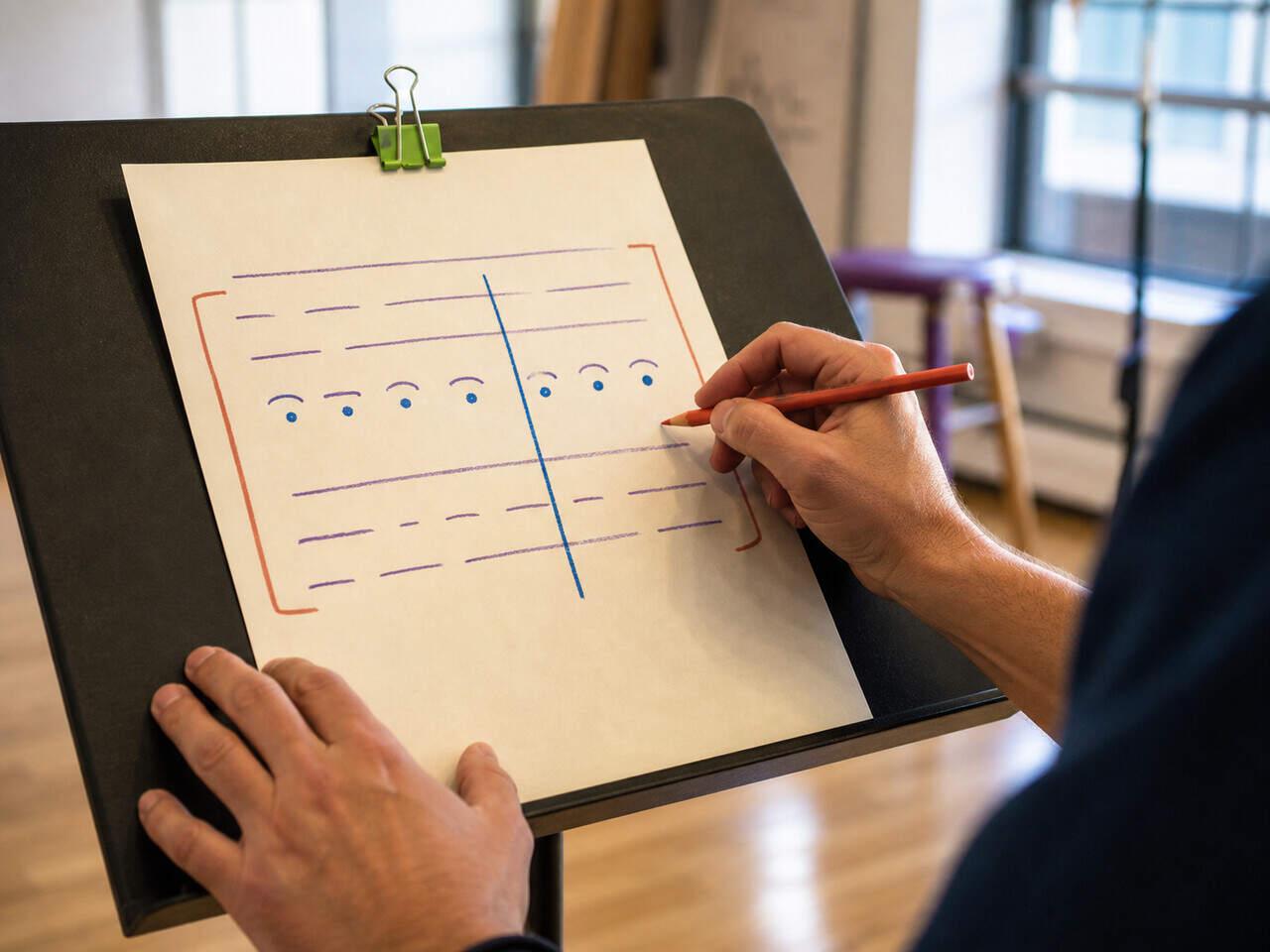
Script Annotation Symbols Cheat Sheet

Script annotation symbols turn a blank page into a working rehearsal document. There's no universal standard — but the system only works if every mark means the same thing on page one and page fifty. A slash that means "beat" in scene two can't mean "pause for breath" in scene seven. This cheat sheet covers the most common symbols by category so you can build a consistent system before your next read-through — and actually read your own marks under pressure.

  • Note per scena: add your annotation layer directly to each scene — open choices, director notes, and beat markers all in one place without leaving the script.
  • Note per personaggio: keep character-specific observations and choices separated from general scene-level staging notes, so each layer stays readable.
  • Character focus view: isolate your character's lines when annotating, so you're not scanning full exchanges to find the next mark you need to place.
Script AnalysisApril 18, 20266 min read

Beat Analysis in Acting: Mark Turns, Tactics, and Temperature Shifts

Beat analysis isn't about labeling every moment with an emotion. It's about identifying where your character changes — what they want in this moment, how they're trying to get it, and when that changes. Those three things — beats, tactics, and temperature shifts — give you a working map of any scene. This article shows you how to mark all three, using a method you can apply to any text before your next rehearsal.

  • Note per scena: attach your beat marks, tactic notes, and temperature observations directly to the scene — so they're there every time you open it to rehearse or review.
  • Character focus view: isolate your character's lines to track how their intentions and tactics shift across the full scene without the surrounding dialogue getting in the way.
  • Scene navigation: jump directly to the scene you're analyzing without scrolling through the whole script.
Table WorkApril 17, 20267 min read

First Rehearsal Checklist for Actors: Prepare, Listen, Capture, Align

A first-rehearsal checklist has four categories: what to prepare before the session, what to capture while it's running, what to lock in before the day ends, and what to share with your cast. Actors often handle the first part reasonably well — and lose everything else to scattered notes and overconfidence. This checklist walks you through all four, in order.

  • Read the full script at least once. Not for memorization — for orientation. Know the story arc, the world, the tone. When the director talks about the play in the first session, you want to understand the references, not scramble to locate the scenes.
  • Identify all your scenes. Mark every scene you appear in. If you haven't received a breakdown from the production team, build a rough one from the text.
  • Get your script into a structured digital format. Working from an unmarked PDF or a physical copy makes it hard to organize notes by scene. Set this up before the first call — not during it.
Off-Book PlanningApril 13, 20266 min read

When Should You Be Off-Book? A Planning Rule That Doesn't Backfire in Rehearsal

You should be off-book before blocking rehearsals lock in — not at the first read-through, not the night before opening. The timing matters because going off-book too early puts you in your head about lines when you should be building interpretation, and going too late means you're managing memory when everyone else is refining work.

  • Blackout mode: hides your lines one at a time so you test real recall, not reading comprehension — work through the scene line by line.
  • Character focus view: isolates your lines from the full script so you only see what you need to memorize for your role, without scrolling through everyone else's dialogue.
  • Scene navigation: jump directly to any scene in blocking order so you can work your off-book timeline scene by scene, not page by page.
Drama SchoolApril 11, 20267 min read

Scene Study Checklist: What to Decide Before You Walk Into Class

A scene study checklist is the set of decisions you need before your scene goes up — what you know off-book, what your character wants, how the room is set, and what you're asking for from your teacher. This one covers all four areas in order. Come in with these answered and the session can actually do something.

  • [ ] Lines you know cold — you can deliver them without the script, under pressure, without counting on your partner to feed you the cue
  • [ ] Lines you're uncertain on — you know the meaning but not the exact wording; you'll need a fraction of a second extra
  • [ ] Lines you'll call for — commit to flagging them rather than fumbling through or stopping to apologize mid-scene
UnderstudyApril 10, 20267 min read

Understudy Rehearsal Process: What to Track From First Run to Put-In

The understudy rehearsal process is a tracking system, not a preparation sprint. You run it in parallel with the production — observing runs, updating notes after blocking changes, drilling alone between other commitments. What makes you ready when the call comes isn't how hard you worked in general. It's whether you have an accurate, current read on which scenes are solid and which ones aren't.

  • [ ] Scene number or title, and approximate running length
  • [ ] Your character's entrance and exit cues (the exact line that comes immediately before)
  • [ ] Any cross or position change that happens on a specific word or beat
UnderstudyApril 9, 20268 min read

How to Prepare as an Understudy: Text, Notes and Ready-to-Go Drills

Preparing as an understudy is a different job than preparing for your own role. You don't get the same rehearsal hours, you might cover more than one character, and you need to be ready at short notice — without any of the warm-up the principal gets before going on. The system that works isn't "learn everything and hope" — it's building separate, updatable materials per character and running targeted drills you can do alone.

  • Your character's lines marked clearly (not a color shared with other notes)
  • The cue line before each of your entrances identified and marked separately
  • Margin space for blocking notes, updated as the production develops
Off-Book PlanningApril 8, 20267 min read

Off-Book Rehearsal Plan: Build It From the Calendar Backwards

Start from the deadline, not from page one. Most actors open the script and begin reading — which feels productive but gives you no way to know if you're on track until it's too late. An off-book rehearsal plan built backwards from the calendar tells you what to memorize this week, what to consolidate next week, and when to run full scenes. Without it, you're guessing until opening night.

  • Day 1–2: First pass on the week's scenes — read aloud, identify which lines feel uncertain and which cues feel weak
  • Day 3–4: Cue-first drills — take the line immediately before each weak line, speak it aloud, then respond without looking
  • Day 5: Blackout pass — cover your lines entirely, work through the scene one line at a time, tap to reveal only after answering
Table WorkApril 6, 20265 min read

Table Work in Acting: What to Do Before the First Read-Through

Table work is where you lock the logic of the scene before you ever stand up. If you skip it, you'll spend your first rehearsals guessing while trying to move and remember lines at the same time. Done properly, table work gives you clear objectives, turns, and stakes — so when you go on your feet, you're already playing something specific.

  • "Why am I still here?"
  • "What changed?"
  • "What am I trying to get from you?"
MemorizationApril 5, 20265 min read

Cue Lines for Actors: Train Them Like a Skill (So You Stop Dropping Entrances)

Cue lines work when the trigger is precise. If you wait for a general sense of "it's my turn," your entrance will be late — even if you know your lines. Most actors memorize their own text and assume cues will hold in rehearsal. They often don't. This article gives you a drill that trains the trigger-response link directly, so your entrances fire on time under real conditions.

  • You know your line perfectly when practicing alone
  • In rehearsal, you hesitate before speaking
  • The delay is small — half a second — but it disrupts timing