HitCue script editor
Prepare the script on your computer. Study it in the app.
Write and correct lines, organize acts and scenes, and print a copy for rehearsal. Then open the same script in HitCue on your phone.
Free with your HitCue account.
New? Continue with Apple or Google.
From the desk to the phone
One script, prepared once, ready for study.
- 01
Start from a file or a blank page
Upload a PDF or Word script, or write a new one from the first line.
- 02
Write and correct
Fix a line, add a stage direction, or give a line to one or more characters.
- 03
Organize acts and scenes
Add acts and scenes, edit their titles and summaries, and move scenes into place.
- 04
Print a copy for rehearsal
Print the whole script or one scene, or save it as a PDF.
- 05
Study it in the app
Publish a new script when it is ready, then open it in HitCue on your phone and run your lines.
Writing
Edit the script like a document, not a form.
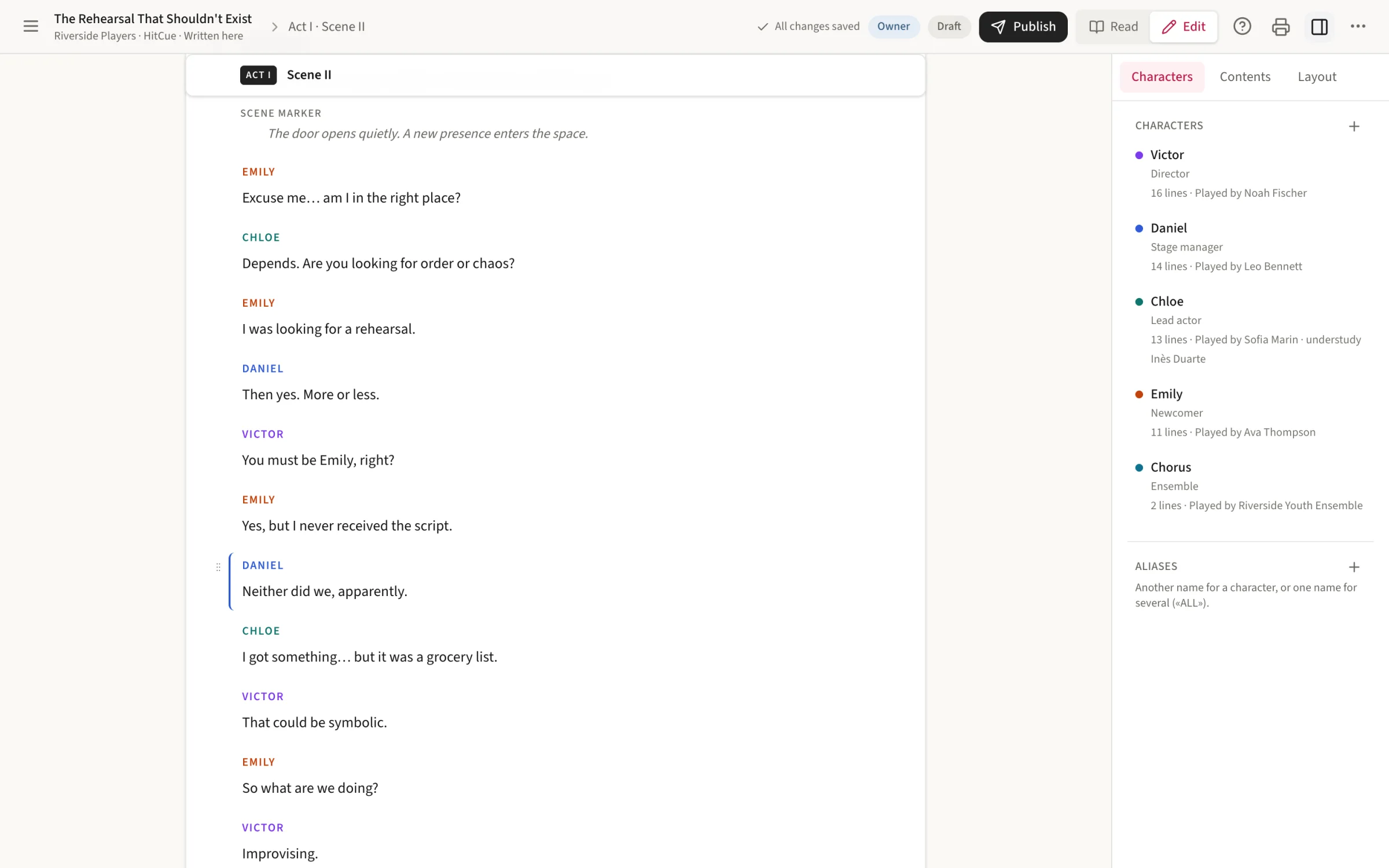
A big screen and a keyboard make the long jobs easier: cleaning up an imported script, adding the scene you just rewrote, or typing a new play from scratch.
The whole script on one page
Write and correct lines and stage directions where they belong. Complete lines save as you go.
Characters at a glance
Each character keeps a color across the web and the app, and a line can belong to more than one character.
A structure you can change
Add acts and scenes, write a short summary for each, and reorder scenes, even from one act to another.
Front matter and appendix
Keep the text that comes before and after the play with the script, and choose whether it goes in the printed copy.
In the app
The script you correct is the script you study.
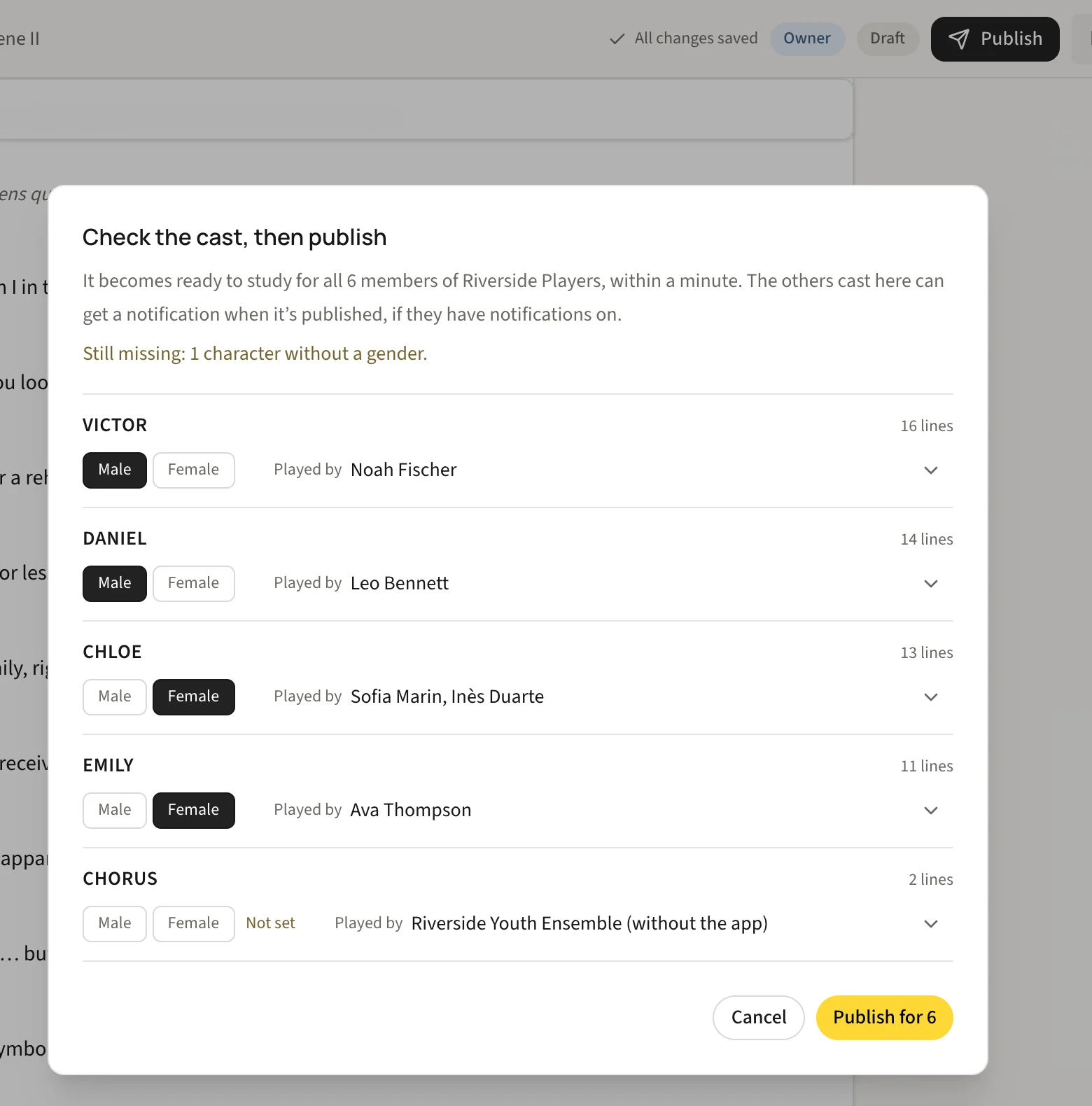
With a PDF, every correction means a new file to send and a cast reading from different copies. In HitCue you correct the line in the editor, and the app opens the corrected script.
- Choose your character and see your scenes and cues.
- Hear the other lines and answer yours out loud.
- Hide your lines a little at a time until you know them.


Printing
A paper copy for the rehearsal room.
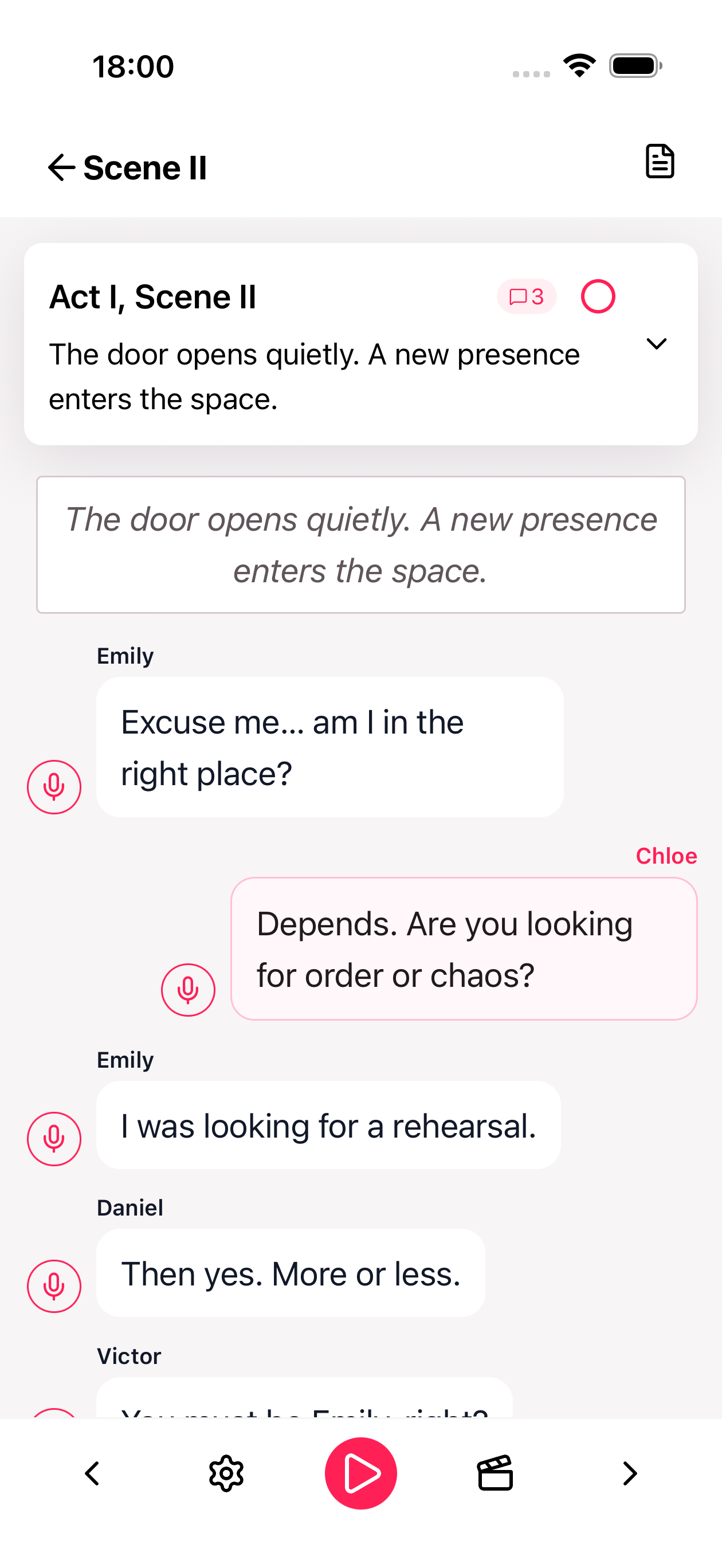
Print the whole script or a single scene, choose the text size, or save it as a PDF from your browser. Pro adds line numbers, an index, the cast list, and highlighted parts.
A code on every copy
The header carries a code. For a published Company script it opens the script in the app, but only for people who already have access. Otherwise it leads to HitCue.
For Companies
Prepare the script for the whole cast.
In a Company, the script belongs to the group. The people who prepare it work in the editor, and the cast studies it in the app.
- Editors and Admins write and correct Company scripts. Members read and study them.
- A new script stays a draft, visible only to Editors and Admins, until an Admin publishes it.
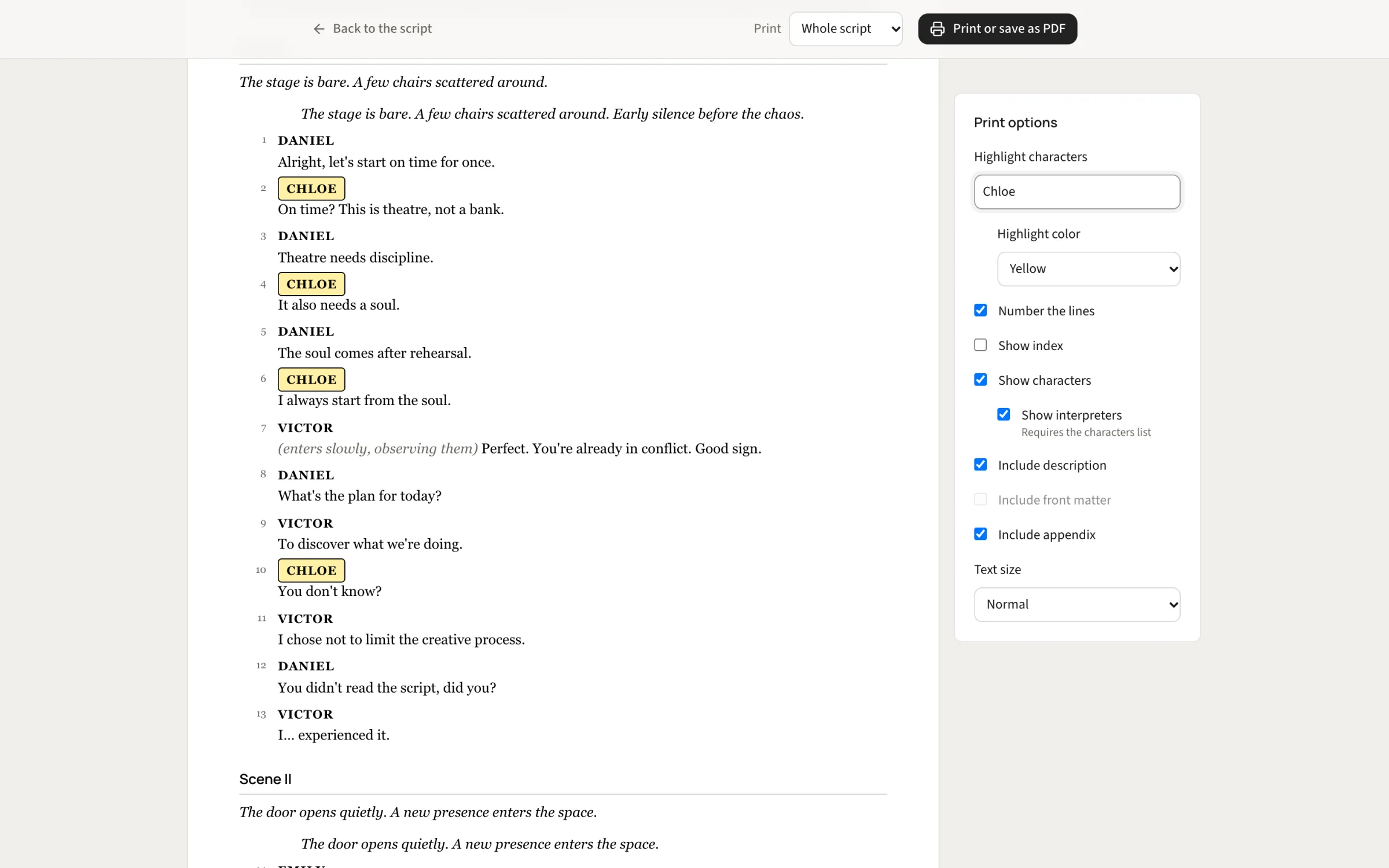
- Choose who plays each character from the Company's members, including understudies.
- When the script is published, the other people cast in it can get a notification, if they have notifications on.
Free and Pro
The editor is free. Pro adds room and print options.
Free
- Write, correct, and organize scripts in the browser
- Print the script or a scene, or save it as a PDF
- Preview every print option
- One active script: a draft counts as one
Pro
- Unlimited active scripts
- Print with line numbers and an index
- Print the characters with the people who play them
- Highlight the parts you choose on paper
Company scripts use the active scripts of the Company's Owner. See every difference on the pricing page.
Questions about the editor
- Do I need the app to use the editor?
- No. You can write, organize, and print a script in your browser. To study it with cues and audio, open it in the HitCue app with the same account.
- Can I start from a script I already have?
- Yes. Upload a PDF or Word file and HitCue turns it into acts, scenes, characters, and lines that you can then correct in the editor.
- How do I sign in?
- Use the account you use in the HitCue app. If you are new to HitCue, continue with Apple or Google to create one.
- Does the code on a printed copy share the script?
- No. On a published Company script it opens the script in the app, but only for people who already have access to it. Anyone else, and every other script, leads to HitCue.