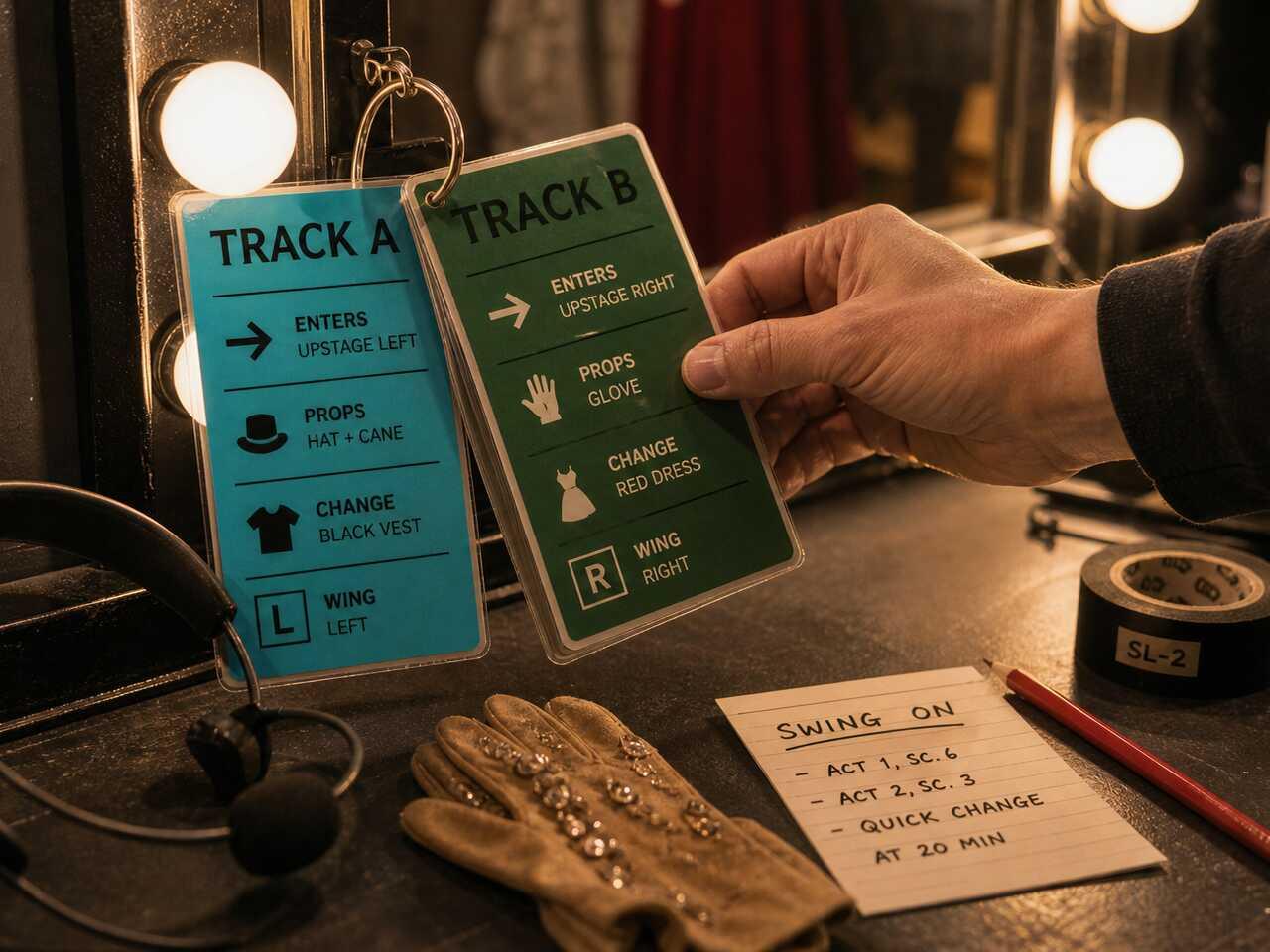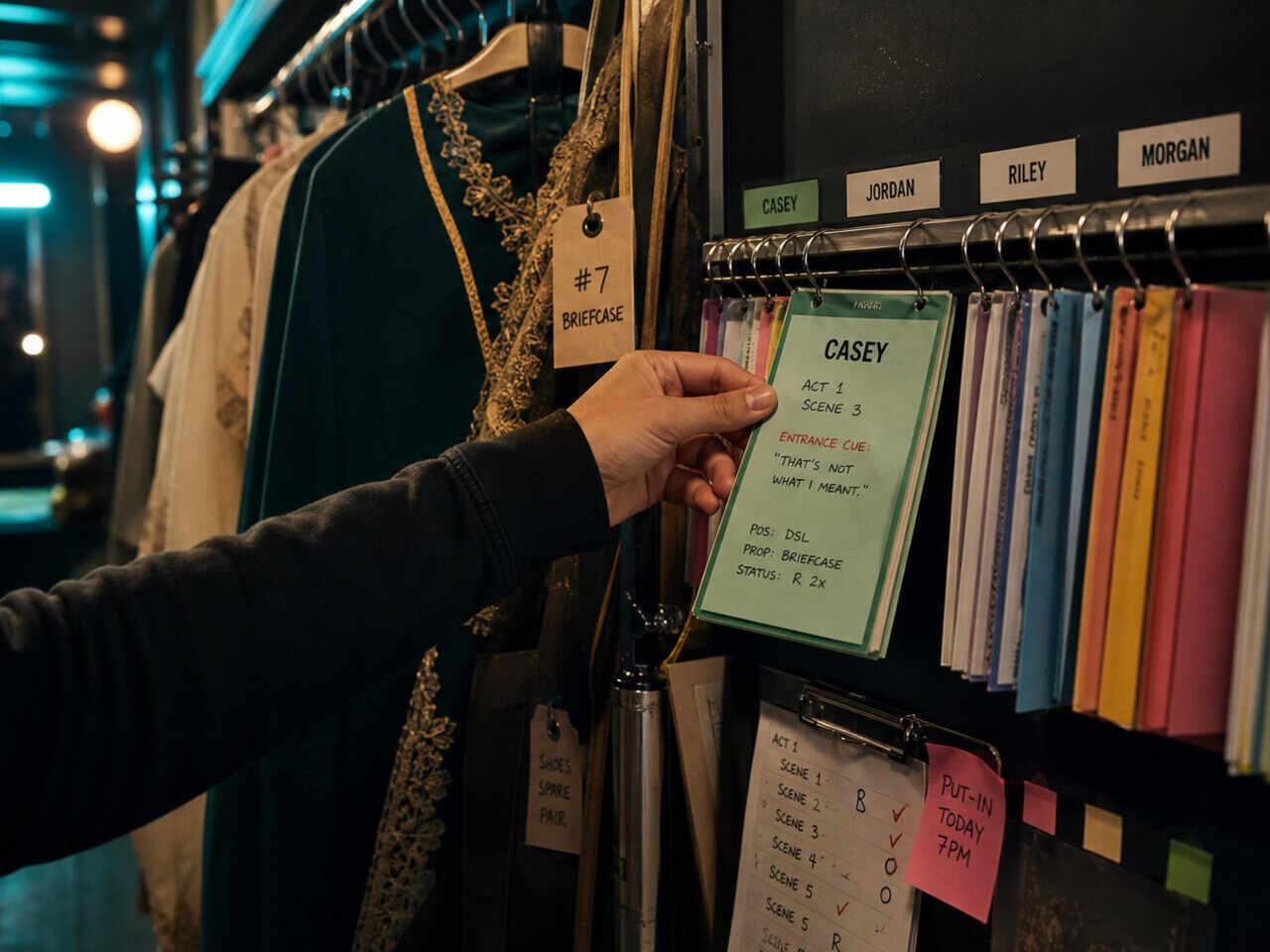
Preparing as an understudy is a different job than preparing for your own role. You don't get the same rehearsal hours, you might cover more than one character, and you need to be ready at short notice — without any of the warm-up the principal gets before going on. The system that works isn't "learn everything and hope" — it's building separate, updatable materials per character and running targeted drills you can do alone.
Step 1: Build Your Own Version of the Script
Don't work from a copy of the principal's script — especially if theirs already has their cuts, line readings, and blocking notes written into the margins. Build a clean version you control.
What your version needs:
- Your character's lines marked clearly (not a color shared with other notes)
- The cue line before each of your entrances identified and marked separately
- Margin space for blocking notes, updated as the production develops
If you're covering more than one character, build a separate file per role — not separate highlighter colors on the same document. Color-coding tends to collapse under pressure. Separate files are easier to keep clean.
Your cue lines deserve their own attention. The line that comes immediately before you speak isn't just context — it's the trigger your memory depends on. If you don't know your cues cold, you won't know your entrances cold, no matter how well you know the text.
Step 2: Separate Your Notes by Type and by Character
Understudy notes aren't interpretation notes. They're operational notes: what the principal does in this scene, where they move, and what cues drive those movements. You may eventually add your own interpretation layer, but the first layer is always observational.
Keep two categories separate:
| Type | What to track |
|---|---|
| Blocking notes | Where the character moves, when, and what triggers each move |
| Character notes | Intentions, tactics, temperature — your interpretation as a reference backup |
If you're covering multiple roles, this separation is critical. You can't afford to confuse which blocking belongs to which character when you're standing in the wings at half an hour call.
The Understudy & Swing Workflow hub covers the full range of methods for managing parallel tracks — this article focuses on the preparation system you build before you ever get the call.
After each rehearsal you attend or observe, add one blocking note per scene that isn't nailed yet, and do one cue-line check: did the principal take the cue differently than last time? Productions drift. Your version needs to drift with them.
Step 3: Run Three Drills That Don't Require a Partner
Most understudies don't get a room and a scene partner whenever they want one. These three drills work alone, anywhere, at any stage of preparation.
Cue-line drill
Read your cue line aloud. Stop. Say your line from memory. If you can't, look at the text and repeat the pair. Don't move to the next exchange until this one holds without hesitation.
The drill works because memory in performance is cue-dependent. You don't retrieve a line from nothing — you retrieve it from a trigger. If the trigger doesn't fire cleanly, the line is less likely to follow.
Example (original):
HELEN: The contract's on your desk. I left it there this morning. PAUL: (crossing to desk) There's nothing here. HELEN: Check under the folder — the blue one.
If you're covering Paul, your cue is "I left it there this morning" and your blocking cue is the cross to the desk. The drill: say the cue line aloud, then deliver "There's nothing here" from memory while physically moving. If either the line or the move hesitates, go back to the pair — not to the top of the scene.
Blackout pass
Cover your lines on the page. Work through the scene one line at a time. Speak the line from memory, then uncover to check. Mark every line that hesitates or fails.
The point isn't to pass or fail — it's to get real data on which lines are solid and which only feel solid because you can see them. A line that you "know" on the page may not fire reliably on stage under pressure.
If you're covering more than one character, run this pass separately for each role and keep the results on separate sheets. The whole point is to know which lines hold for this track — pooling the data across roles hides exactly the gap that will catch you when you're called for one specific part.
Blocking run-through
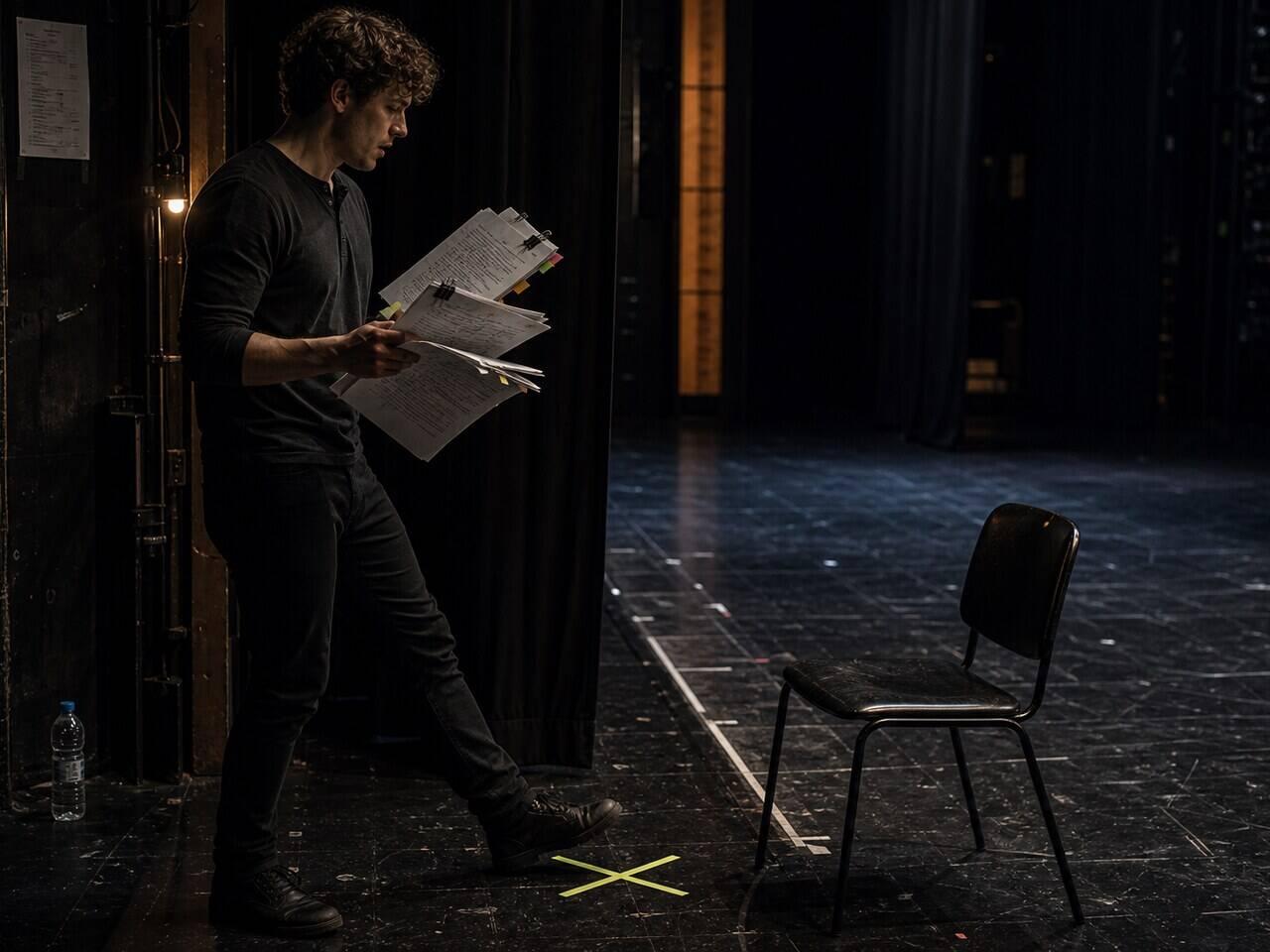
Find open floor space. Walk through the scene using your blocking notes only, no script. When you stop, you've found a gap in your blocking memory — not your text memory. That distinction matters because the fix is different.
If you skip this step, you're more likely to discover the gap on stage rather than before it — and for most understudies, that's the one gap they didn't know they had.
Step 4: Keep Your Version Current as the Production Changes
Productions change. The principal finds a new reading, the director adjusts blocking in week three, a cut gets reversed. Your version goes stale while theirs updates in real time.
Handle it with a standing end-of-rehearsal routine. After every rehearsal you attend or observe:
- [ ] Check your cue lines — any cue that changed in performance needs to update immediately
- [ ] Check your blocking — one pass through every scene that ran today
- [ ] Flag anything unverified as "needs check" — don't assume, don't defer more than 24 hours
"Needs check" is better than "I think it's fine." You'll catch most gaps before they become problems.
If a scene gets cut or substantially revised, update your version the same day — not when you get a chance. Memory of the old version can compete with the new one if you leave a gap between learning them.
The Pre-Go Checklist
Use this before your first run as the principal in any scene:
- [ ] Script version built with your character's lines and cue lines marked
- [ ] Separate notes per character (if covering more than one role)
- [ ] Blocking notes current through the last rehearsal
- [ ] Cue-line drill completed for every scene at least once
- [ ] Blackout pass completed for every scene at least once
- [ ] Blocking run-through completed for every scene at least once
- [ ] All "needs check" items resolved or flagged for the stage manager
If you can check every box, you've done the preparation the situation allows. If you can't, you know exactly what's missing — which is the only useful piece of information you can have before going on.
Do it in HitCue
- Character assignment: assign multiple covered roles to a single script — each character gets its own character notes and statistics, so your preparation stays separate per role
- Character focus view: switch into one covered role before a drill, so cue lines, entrances, and weak scenes do not blur across tracks.
- Blackout mode: test the scene you might be called for first, one exchange at a time, and keep the failed lines attached to that covered character.
Import your script, assign your characters, and run a Blackout pass on the scene you're least confident in. → Try HitCue