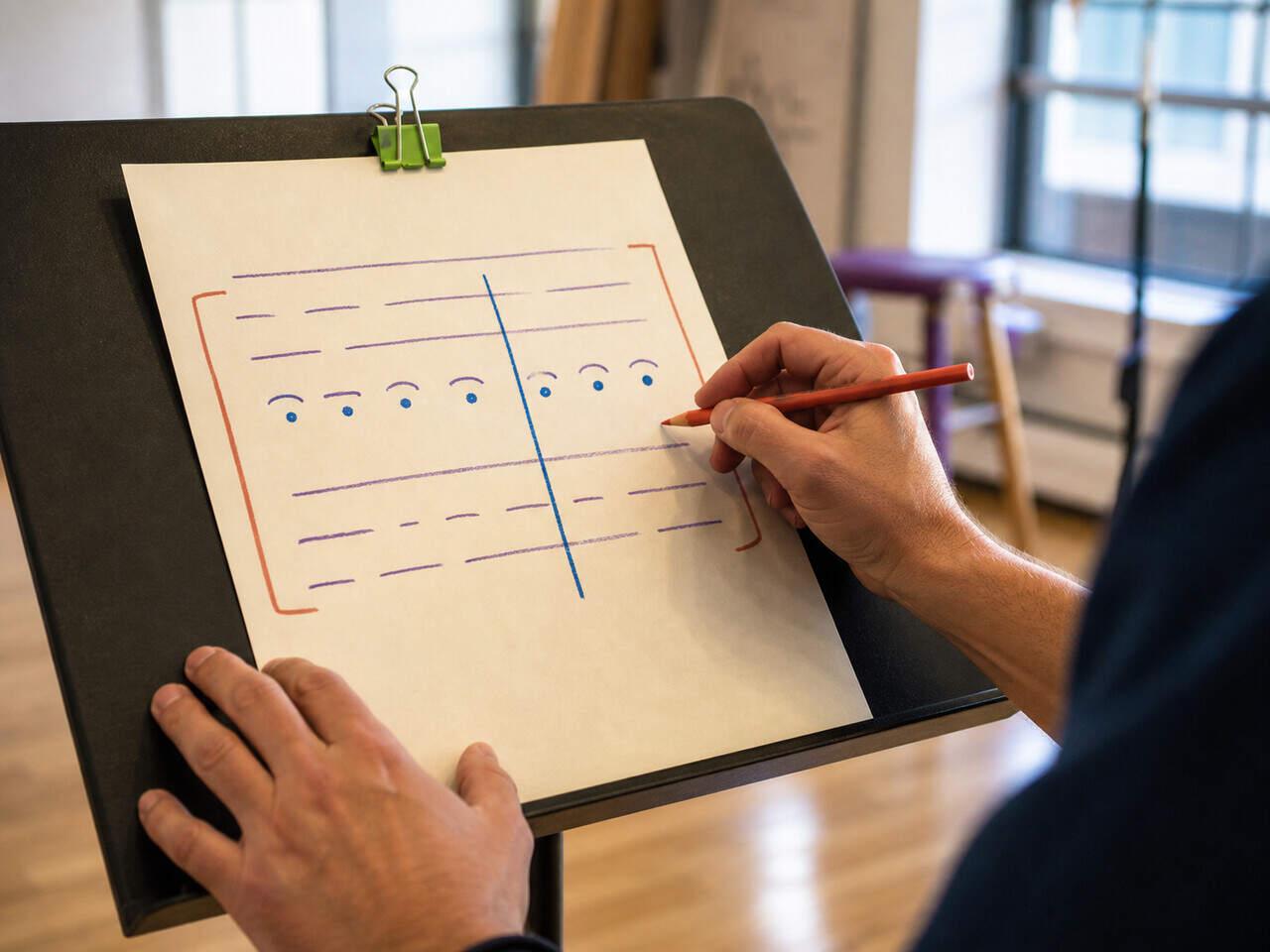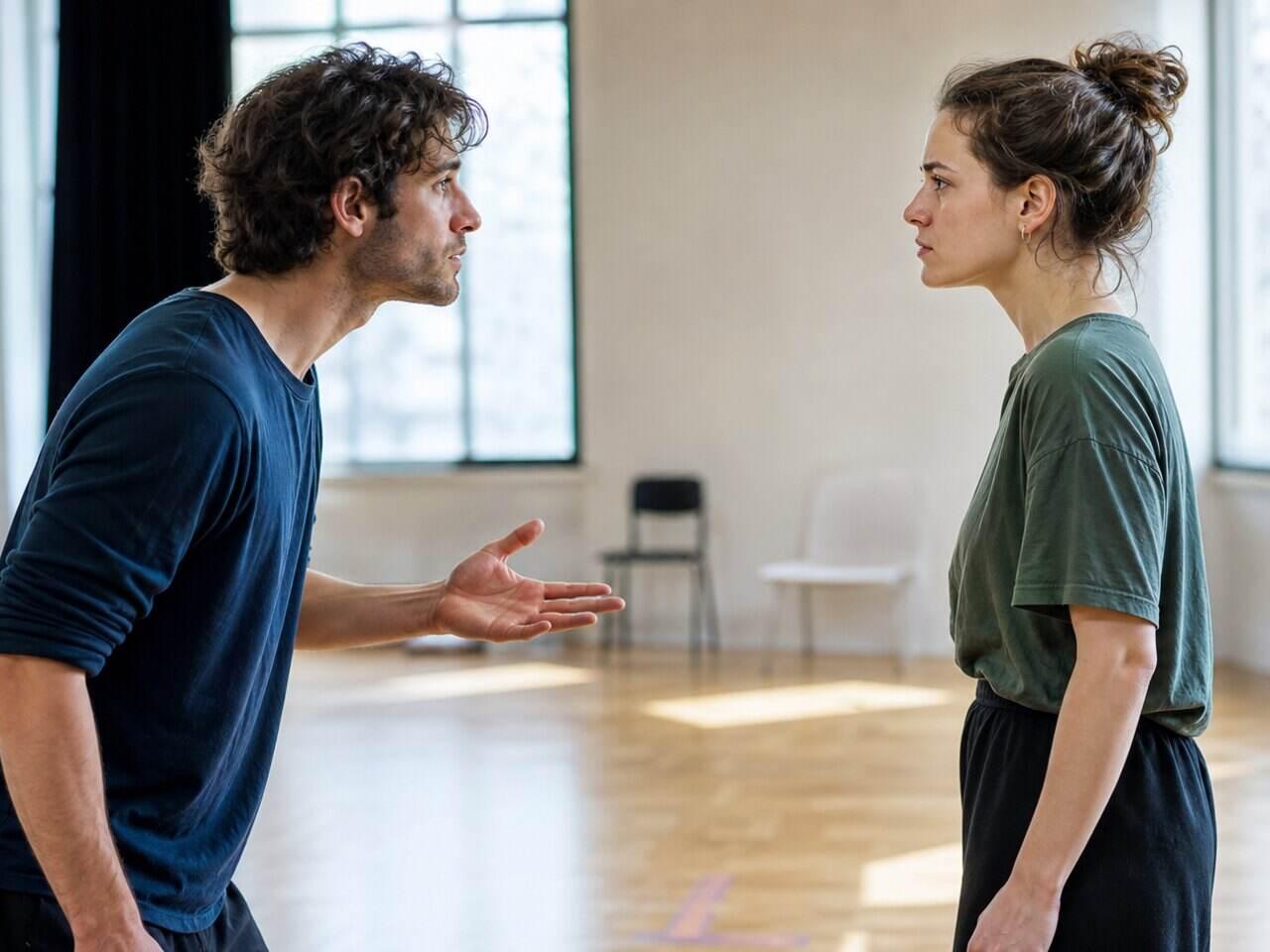
Your character's objective is what they want in the scene. Their tactics are what they do — beat by beat — to get it. Most actors who know this framework still don't have a reliable method for marking it in their script. Without a consistent approach, you re-analyze the same decisions at every rehearsal instead of building on them. This article gives you a repeatable system: how to define the objective, identify and mark the tactics, and record both in a format you can carry into any rehearsal.
Define the Objective Before You Touch the Tactics
The objective is always active and specific. "To survive" is a theme. "To convince Marcus to stay until morning" is an objective — concrete, scene-specific, and capable of failing. That last quality is what makes it useful in rehearsal.
Three tests for a strong scene objective:
- It has a clear outcome. By the end of the scene, you can say yes or no to whether the character got what they wanted. If you can't answer that, the objective isn't specific enough.
- It's aimed at the other person. An objective is about what you want from someone, not what you want to feel. "To feel understood" is a state. "To make her admit she was wrong" is an objective. The difference is that one requires the other actor to do something.
- It creates stakes. If the character doesn't genuinely need what they're pursuing, neither the actor nor the audience will feel the tension.
Write the objective at the top of the scene before you start marking anything else. Use this format:
I want [person] to [do / feel / admit / agree with / leave] — because [what's at stake if they don't].
The "because" clause is optional, but it's worth adding after you've rehearsed the scene a few times. When the material becomes familiar, the stakes start to feel routine. A specific "because" keeps the objective alive: "I want Elena to agree to the deal — because if she doesn't, we lose the building."
One objective per scene is almost always right. If a scene runs very long or contains a clear reversal, you might identify two — but treat each half as a complete unit with its own objective, and mark the exact line where the shift happens.
How to Mark Tactics in Your Script
Tactics are what your character does to the other person at each moment. They're not emotions — they're verbs. Pleading, threatening, flattering, deflecting, bargaining, insisting, accusing — actions one person takes on another.
The method: read through the scene slowly, and for each speech ask "what is this character doing to the other person right now?" Write a one-word verb in the margin. Don't overthink the word choice — a rough tactic is more useful than a gap.
Here's an original example:
CLAIRE: You know how long I've been waiting on this. [pleading] DEREK: It's not my decision anymore. [deflecting] CLAIRE: Of course it is. You're the only one in that room who matters. [flattering] DEREK: Don't do that. [warning] CLAIRE: I'm just telling you what's true. [insisting] DEREK: Then let me tell you what's true. [taking control]
In this exchange, Claire moves through pleading → flattering → insisting. Derek deflects, then warns, then seizes the objective himself. Each tactic is a direct response to the previous one — that's what you're looking for. Not just the emotion underneath, but the action being taken on the other person.
Two patterns to watch for. If the same tactic runs for three or four speeches without changing, either the actor has stopped listening or the scene is genuinely repetitive — which is also information. If you struggle to name the tactic at all, the speech may be a transition: something the character says to buy time or regroup. Mark it "holding" and move on.
If you've already done a beat pass on the scene, the beat boundaries become natural tactic entry points — the moment one approach ends and another begins. If you haven't done that work yet, beat analysis gives you a practical method for finding those shifts before you assign tactics.
A Note Structure You Can Carry Into Every Rehearsal
Once you have the objective and the tactics, you need a place to hold them that travels with the scene — compact enough to review in five minutes before rehearsal, specific enough to be useful.
This structure works for any scene:
Scene: [number or short description] Objective: I want [X] to [Y] — because [what's at stake] Main obstacle: [one sentence — what's in the way] Tactic sequence: [beat 1: verb] → [beat 2: verb] → [beat 3: verb] → [beat 4: verb] Where the objective shifts or fails: [line or moment, if applicable]
You don't have to fill every field at first read. Start with the objective and one tactic per beat. Add the obstacle when the scene starts moving in rehearsal — obstacles often only become visible once you're on your feet.
Keep this note structure with the scene it describes — in the margin of the script you rehearse from, or wherever your objective and tactic sequence live, but not in a separate notebook. The whole point of a reusable format is that it's in front of you in the five minutes before the scene runs. A structure you have to go find is one you'll quietly stop maintaining by the third rehearsal, and then you're re-deciding the objective from scratch every night.
The structure is reusable. Apply it to every scene you're given — in class, in production, in an audition — and the format stays consistent even when the material changes. By the time you're three scenes into a production, identifying both the objective and the tactics becomes faster because the questions are already familiar.
Scene objectives are easier to choose when you already know what the role wants across the whole play. If you have not mapped that yet, the character breakdown worksheet gives you fill-in fields for the through-line want, the obstacle behind it, and the relationships each objective is aimed at.
For a connected view of how objectives and tactics fit into beat marking, character breakdown, and full script preparation, the script analysis guides at /blog/script-analysis/ cover each step as a linked system.
Do it in HitCue
- Character notes: record your character's objective and tactic sequence for each scene — attached directly to the character so you can review it without opening a separate document.
- Scene notes: flag moments where the objective shifts or the obstacle isn't landing — visible in context as you work through the scene.
- Character focus view: isolate your character's lines within the scene so you can check the tactic sequence in order without scrolling through the full script.
Open your script, use Scene navigation to find the scene you're analyzing, and record the objective in Character notes before your next rehearsal. → Download HitCue