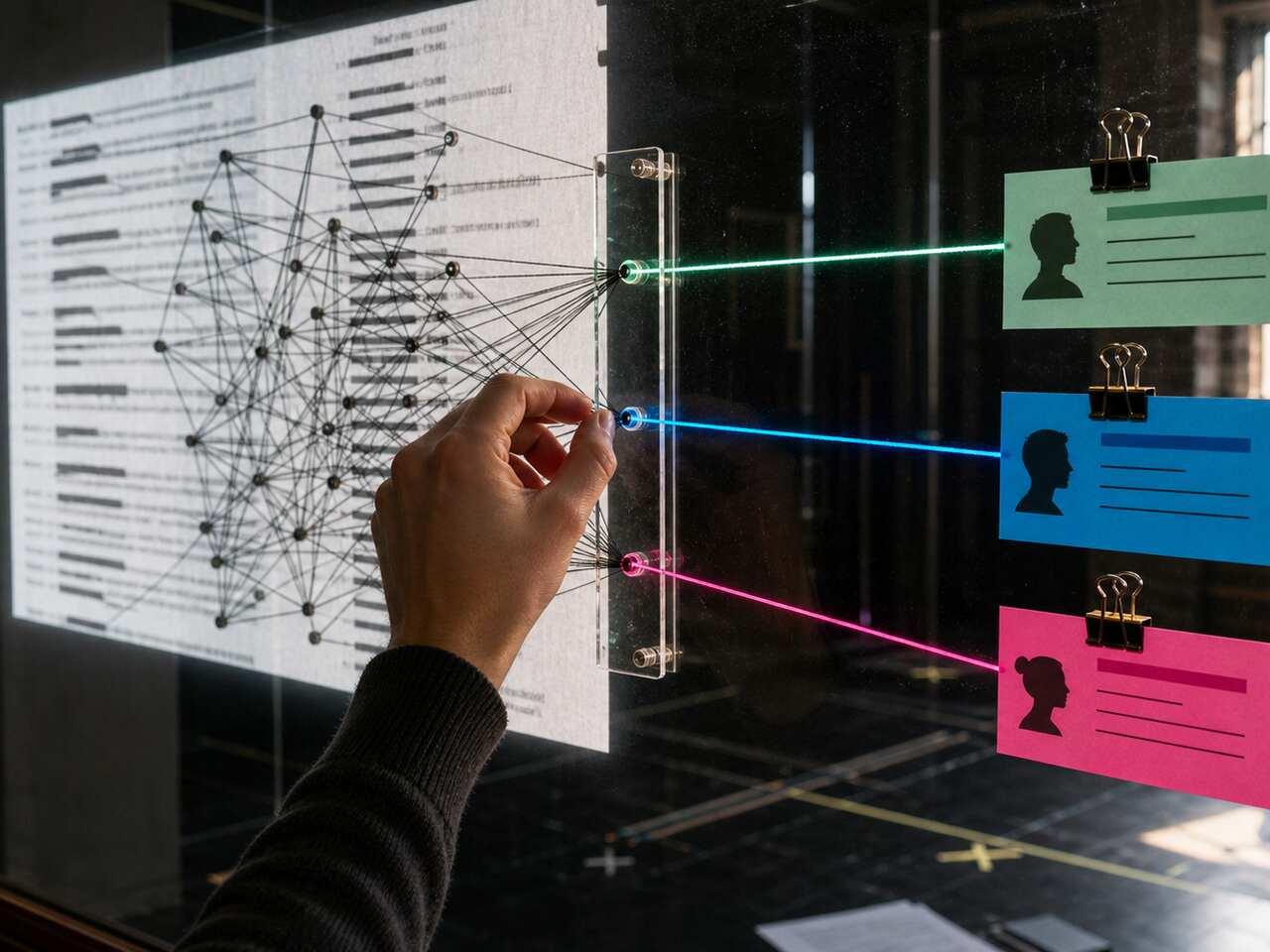
This hub is for digital script workflows: converting PDFs, handling scanned pages, extracting dialogue, cleaning structure, preserving character names, and preparing a script for rehearsal tools. The guides stay actor-first. They explain the practical failure points, like broken formatting, missing character labels, OCR errors, stage directions mixed into dialogue, or line breaks that make drilling harder.
Start with PDF-to-text conversion if your script is readable but not usable. Use OCR-focused guides when the file is scanned and nothing copies cleanly. Use dialogue extraction content when you need character-specific practice material instead of a flat document. The goal is always the same: make the script structured enough that rehearsal can start.
A good digital workflow has a simple test. Can you jump to the right scene? Can you isolate your character? Can you trust that cue lines and dialogue have not been merged or lost? If the answer is no, fix the structure before you memorize from it. Bad structure creates bad drills.
This is also where AI workflows should stay narrow. The goal is not to have software interpret the play for you or replace actor judgment. The goal is to remove the mechanical friction that keeps you from working: scrolling through a flat PDF, rebuilding scene breaks by hand, or copying dialogue into another document just to run lines. Once the structure is clean, the actor still makes the choices, marks the beats, learns the cues, and tests the scene. AI is useful here because it gets the script into a rehearsal-ready shape faster.
Treat the output like a rehearsal draft: check it once, fix the obvious errors, then start working from it consistently.
Use This Hub When
Use these guides when the file itself is slowing you down. If the script is already clean and your issue is memorization, move to Memorization. If the issue is notes and mark-up, use Script Annotation. If the issue is sharing one version with a group, use Community Theatre.