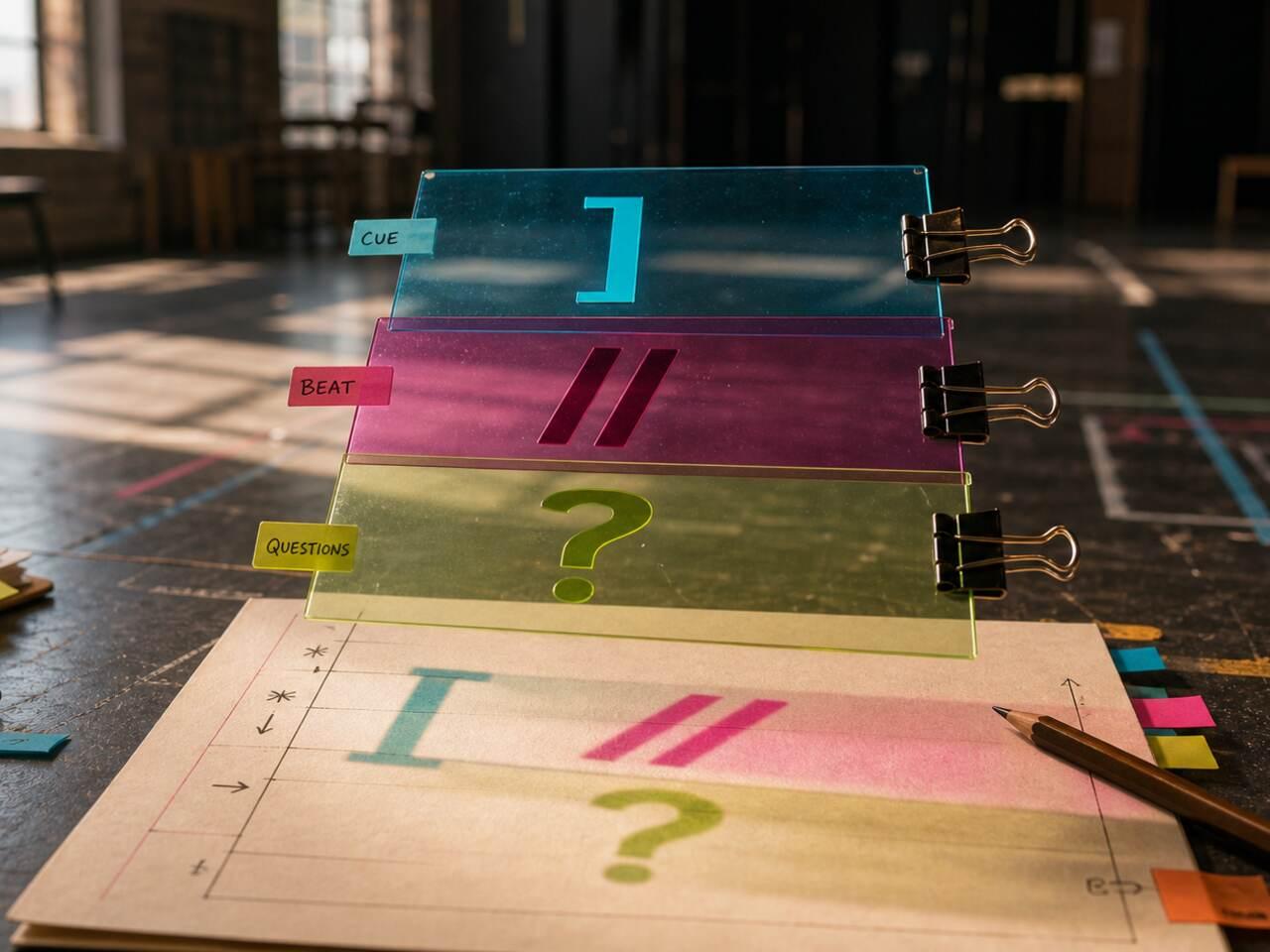
This hub is for actors who need a consistent way to mark scripts, whether they work on paper, tablet, PDF, or a structured digital script. The guides focus on symbols, note systems, digital annotation, version control, scene notes, character notes, and how to keep marks connected to actual rehearsal decisions.
Start with the symbols cheat sheet if your current script marks are inconsistent or hard to scan. Use workflow guides when the issue is not which symbol to use, but where notes should live: blocking on the scene, character choices on the character, cuts and version changes where the whole cast can see them. Future guides should connect annotation to digital workflows, shared notes, and mark-up systems that still work during tech week.
The best annotation systems are boring in the right way. A mark should mean the same thing every time. A blocking note should not look like an objective. A question should remain visible until it is answered. If every mark competes for attention, the page stops helping and becomes another thing to manage.
Annotation also has to handle change. Scripts get cut, scenes are restaged, directors clarify intentions, and partners find new rhythms. If your notes cannot be updated cleanly, the old version starts competing with the new one. Build a system where each note has a home: scene-level decisions with the scene, character choices with the character, cue problems near the exchange, and shared notes where collaborators can actually see them.
That structure matters even more in digital scripts, where it is easy to add notes quickly and hard to keep them readable later. Speed is useful only if the next rehearsal can still find the right mark.
Use This Hub When
Use these guides when your problem is organization on the page. If you need to decide what the character wants, start with Script Analysis. If you need to drill the marked text, move to Memorization. If your script is trapped in a messy PDF, start with AI & Script.