HitCue Blog

Rehearsal notes, memorization systems, and product stories.

17 postsPage 2 of 2
Understudy Rehearsal Process: What to Track From First Run to Put-In
UnderstudyApril 10, 20267 min read

Understudy Rehearsal Process: What to Track From First Run to Put-In

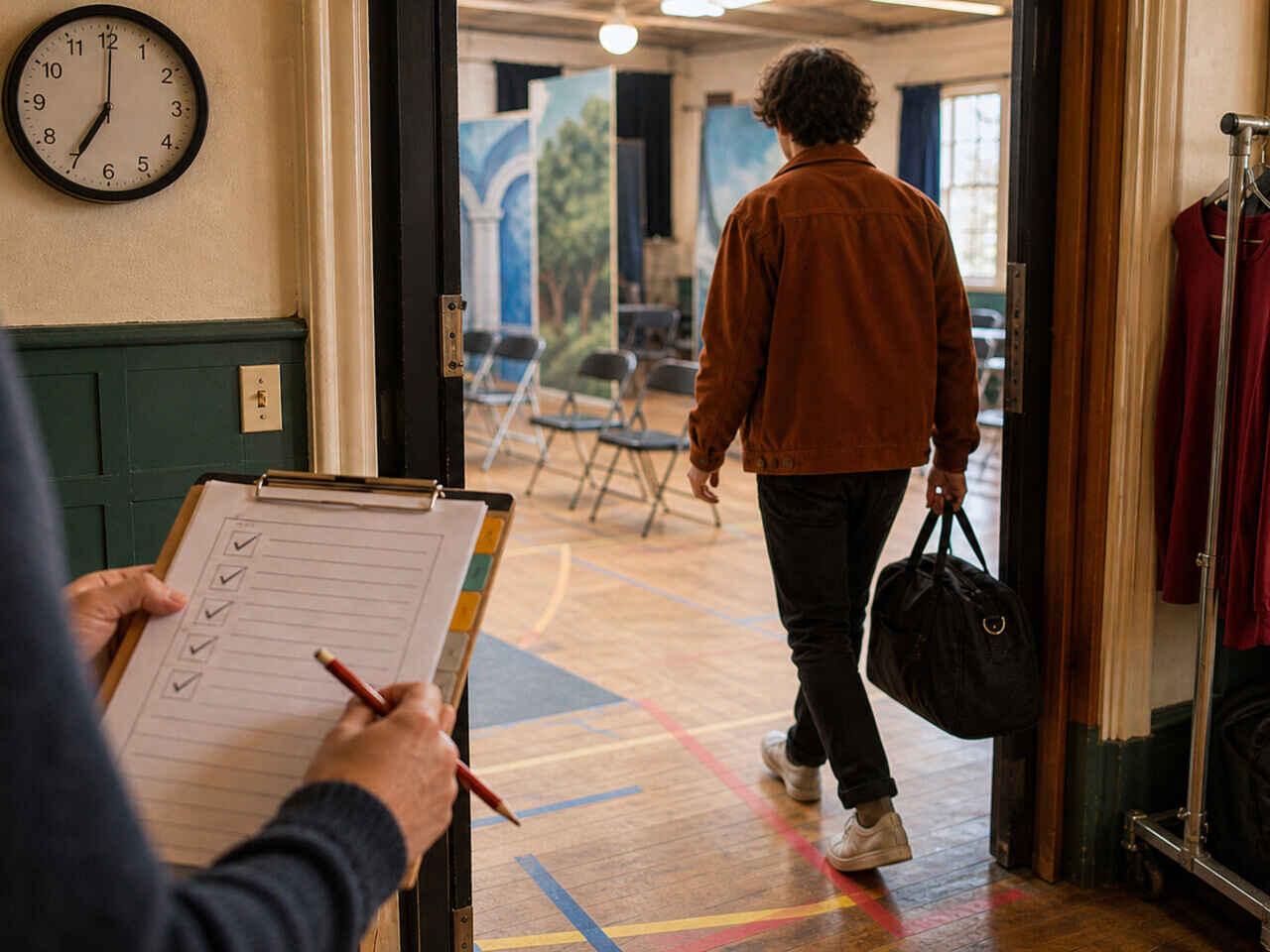
The understudy rehearsal process is a tracking system, not a preparation sprint. You run it in parallel with the production — observing runs, updating notes after blocking changes, drilling alone between other commitments. What makes you ready when the call comes isn't how hard you worked in general. It's whether you have an accurate, current read on which scenes are solid and which ones aren't.

  • [ ] Scene number or title, and approximate running length
  • [ ] Your character's entrance and exit cues (the exact line that comes immediately before)
  • [ ] Any cross or position change that happens on a specific word or beat
How to Prepare as an Understudy: Text, Notes and Ready-to-Go Drills
UnderstudyApril 9, 20267 min read

How to Prepare as an Understudy: Text, Notes and Ready-to-Go Drills

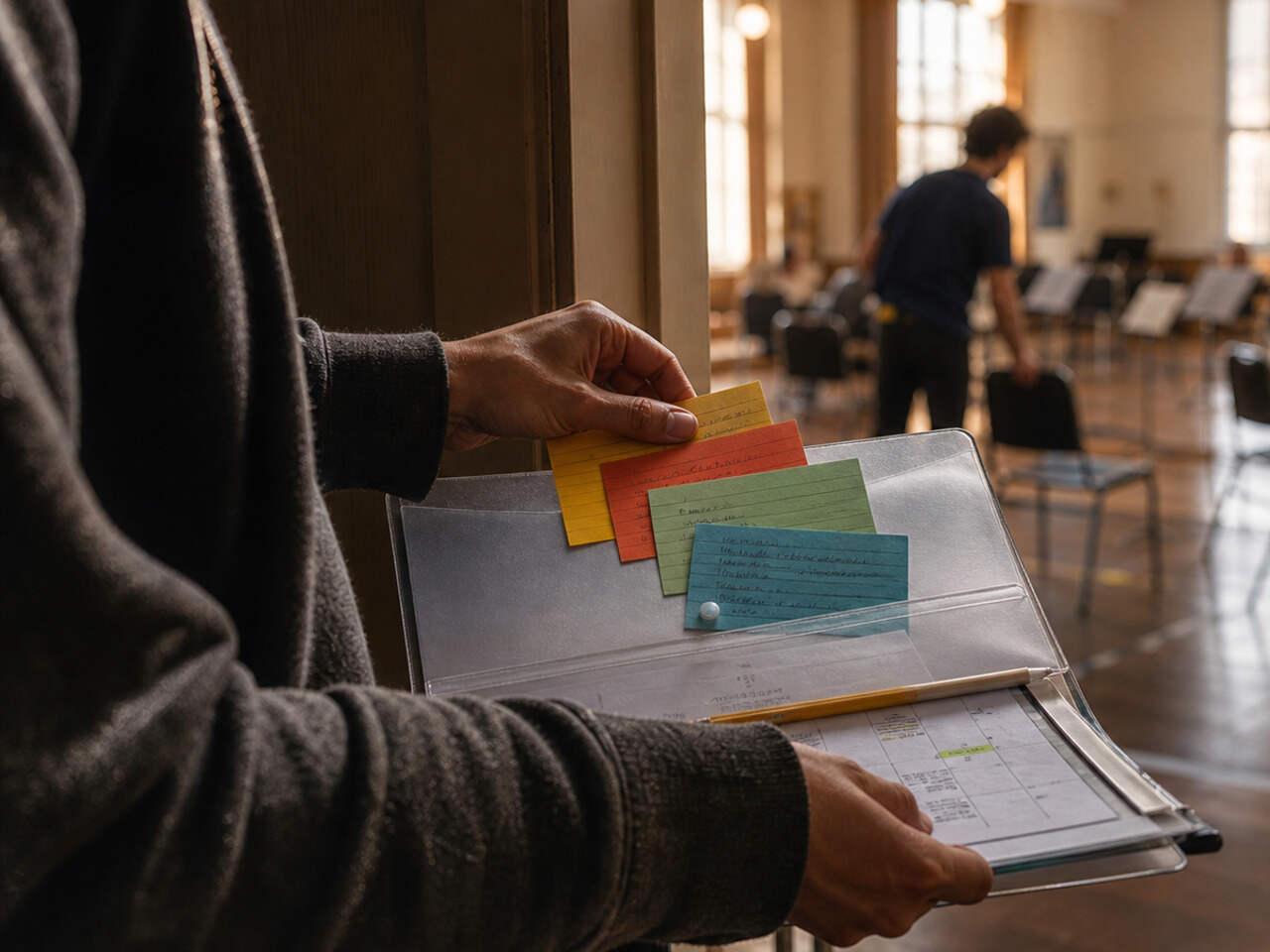
Preparing as an understudy is a different job than preparing for your own role. You don't get the same rehearsal hours, you might cover more than one character, and you need to be ready at short notice — without any of the warm-up the principal gets before going on. The system that works isn't "learn everything and hope" — it's building separate, updatable materials per character and running targeted drills you can do alone.

  • Your character's lines marked clearly (not a color shared with other notes)
  • The cue line before each of your entrances identified and marked separately
  • Margin space for blocking notes, updated as the production develops
Off-Book Rehearsal Plan: Build It From the Calendar Backwards
Off-Book PlanningApril 8, 20267 min read

Off-Book Rehearsal Plan: Build It From the Calendar Backwards

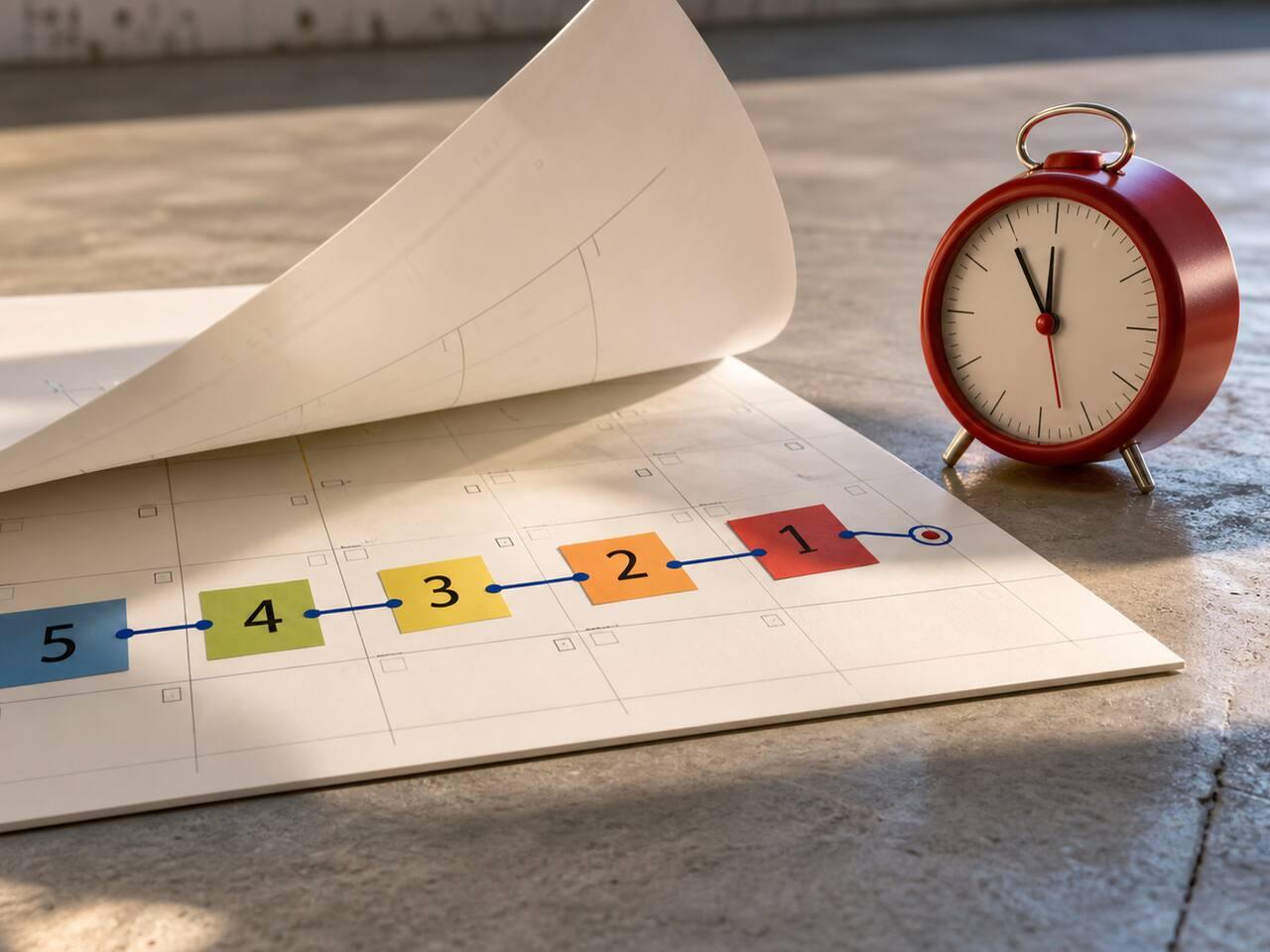
Start from the deadline, not from page one. Most actors open the script and begin reading — which feels productive but gives you no way to know if you're on track until it's too late. An off-book rehearsal plan built backwards from the calendar tells you what to memorize this week, what to consolidate next week, and when to run full scenes. Without it, you're guessing until opening night.

  • Day 1–2: First pass on the week's scenes — read aloud, identify which lines feel uncertain and which cues feel weak
  • Day 3–4: Cue-first drills — take the line immediately before each weak line, speak it aloud, then respond without looking
  • Day 5: Blackout pass — cover your lines entirely, work through the scene one line at a time, tap to reveal only after answering
Table Work in Acting: What to Do Before the First Read-Through
Table WorkApril 6, 20265 min read

Table Work in Acting: What to Do Before the First Read-Through

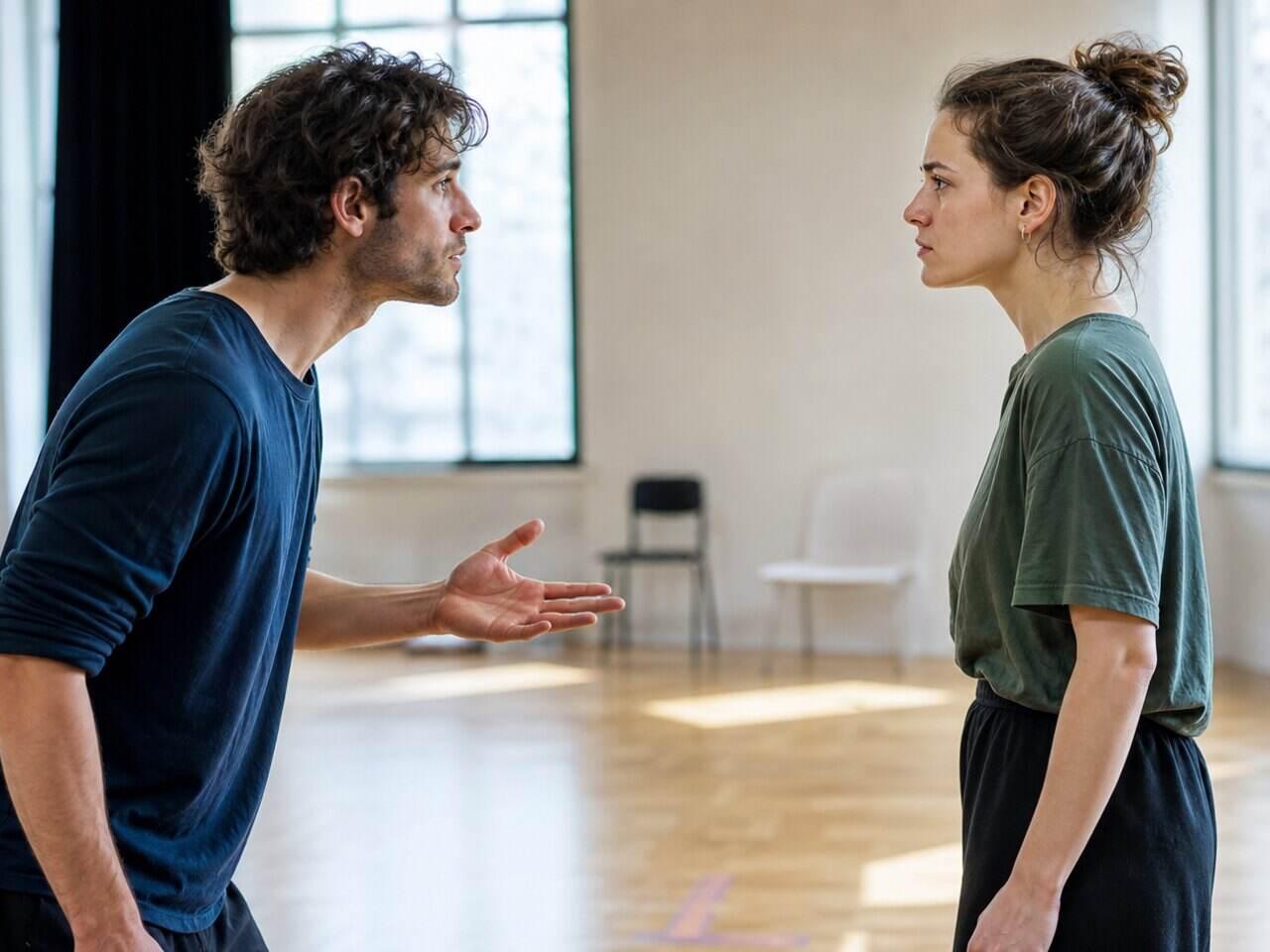
Table work is where you lock the logic of the scene before you ever stand up. If you skip it, you'll spend your first rehearsals guessing while trying to move and remember lines at the same time. Done properly, table work gives you clear objectives, turns, and stakes — so when you go on your feet, you're already playing something specific.

  • "Why am I still here?"
  • "What changed?"
  • "What am I trying to get from you?"
Cue Lines for Actors: Train Them Like a Skill (So You Stop Dropping Entrances)
MemorizationApril 5, 20265 min read

Cue Lines for Actors: Train Them Like a Skill (So You Stop Dropping Entrances)

Cue lines work when the trigger is precise. If you wait for a general sense of "it's my turn," your entrance will be late — even if you know your lines. Most actors memorize their own text and assume cues will hold in rehearsal. They often don't. This article gives you a drill that trains the trigger-response link directly, so your entrances fire on time under real conditions.

  • You know your line perfectly when practicing alone
  • In rehearsal, you hesitate before speaking
  • The delay is small — half a second — but it disrupts timing